 Fortaify
macOS
Apple silicon (ARM64)
macOS 11 or later
Download Glyph 1.3.6Glyph-Setup-1.3.6-arm64.dmg · 120 MB
Developer ID signed, hardened runtime, notarized by Apple.
GLYPH DESKTOP
Glyph 1.3.6 is available for macOS, Windows, and Linux. Every installer below is served from the public GitHub release and listed with its size and SHA-256 so you can verify what you downloaded.
Looking for Glyph on iPhone or Android? ↓macOS
macOS 11 or later
Download Glyph 1.3.6Glyph-Setup-1.3.6-arm64.dmg · 120 MB
Developer ID signed, hardened runtime, notarized by Apple.
Windows
Windows 10 or later
Download Glyph 1.3.6Glyph-Setup-1.3.6.exe · 106 MB
Not yet code signed: Windows SmartScreen may warn before the installer runs. Verify the checksum first.
Linux
64-bit Linux with AppImage support (FUSE 2)
Download Glyph 1.3.6Glyph-Setup-1.3.6-x86_64.AppImage · 119 MB
Mark the AppImage executable, then run it. No package install is required.
Linux
64-bit ARM Linux with AppImage support (FUSE 2)
Download Glyph 1.3.6Glyph-Setup-1.3.6-arm64.AppImage · 111 MB
Mark the AppImage executable, then run it. No package install is required.
chmod +x Glyph-Setup-1.3.6-x86_64.AppImage./Glyph-Setup-1.3.6-x86_64.AppImageCompare the SHA-256 of the file you downloaded with the value for that installer. The hashes below were recomputed from the bytes the release serves on 2026-09-24 and cross-checked against the SHA-512 in the auto-update feeds the desktop app reads. If a hash does not match, do not open the installer — download it again from this page and tell us.
| Installer | Size | SHA-256 |
|---|---|---|
macOS · Apple silicon (ARM64)Glyph-Setup-1.3.6-arm64.dmg | 120 MB | 660eb8405086a9e365346d46b61b0aae7ef5f9700357faf42877d48dbf4a89af |
Windows · x64Glyph-Setup-1.3.6.exe | 106 MB | ce77593417eb2453a00dde1506486f8971c8e232087e04bcbdd4b196f31ada9c |
Linux · x86_64Glyph-Setup-1.3.6-x86_64.AppImage | 119 MB | 5c3cd9dc15833fca528f1b36b98c02a4d28b9be27681cd2cbc1bf7aa2b3f5d68 |
Linux · ARM64Glyph-Setup-1.3.6-arm64.AppImage | 111 MB | 939634ef939c52840b8583a987127011579528d3d2072f9daf688b134f06665b |
shasum -a 256 ~/Downloads/Glyph-Setup-1.3.6-arm64.dmgcertutil -hashfile %USERPROFILE%\Downloads\Glyph-Setup-1.3.6.exe SHA256sha256sum ~/Downloads/Glyph-Setup-1.3.6-x86_64.AppImagemacOS builds are additionally Developer ID signed and notarized, so Gatekeeper validates the signature when you open the DMG. The in-app updater independently checks each download against the SHA-512 in the release feed before installing it.
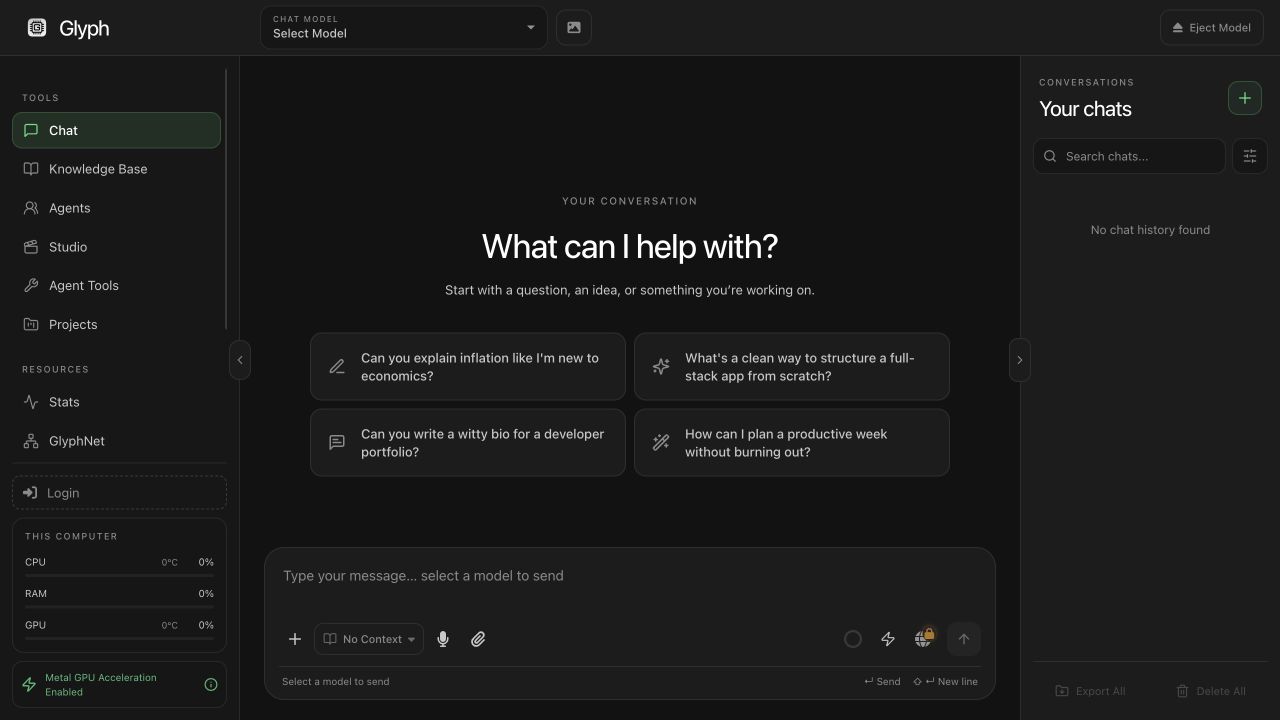
GLYPH FOR IPHONE & ANDROID
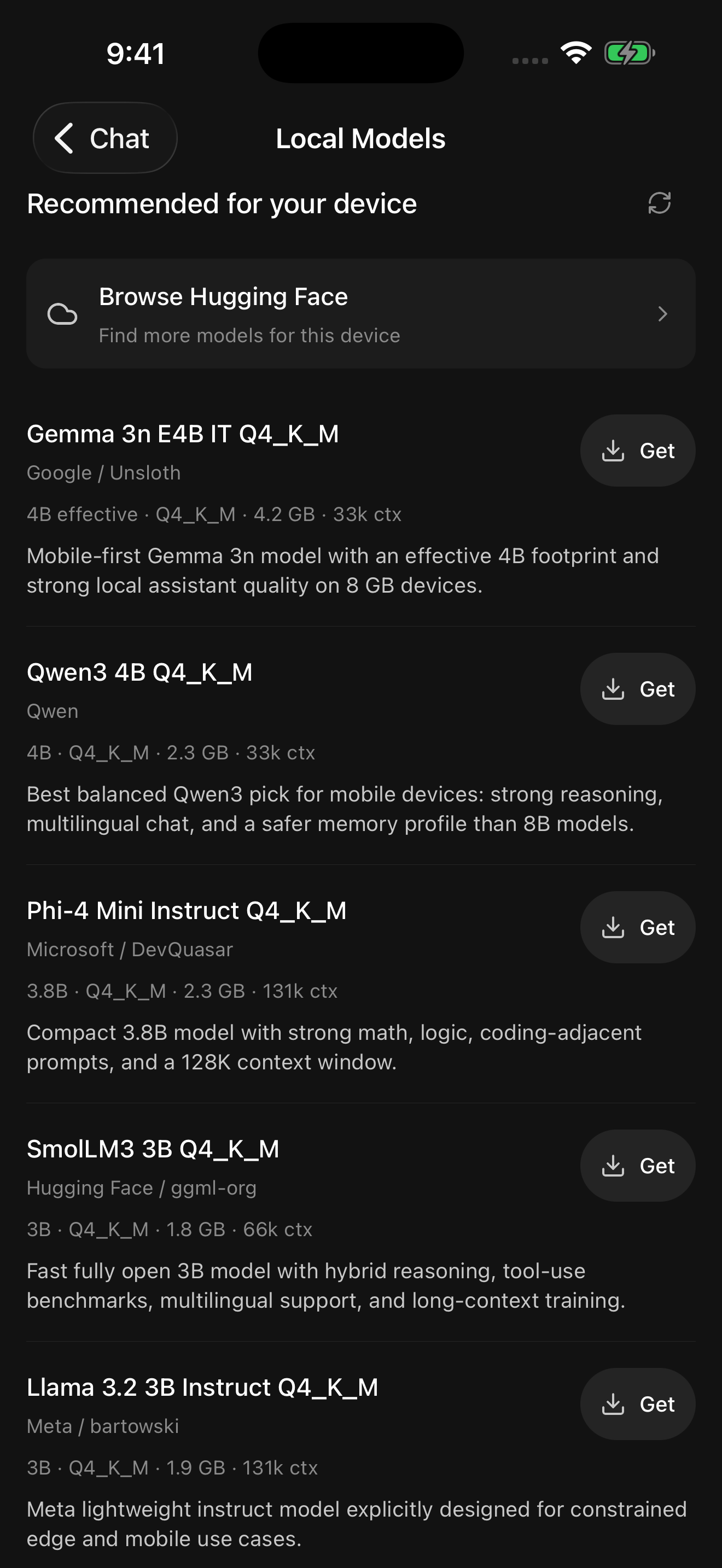
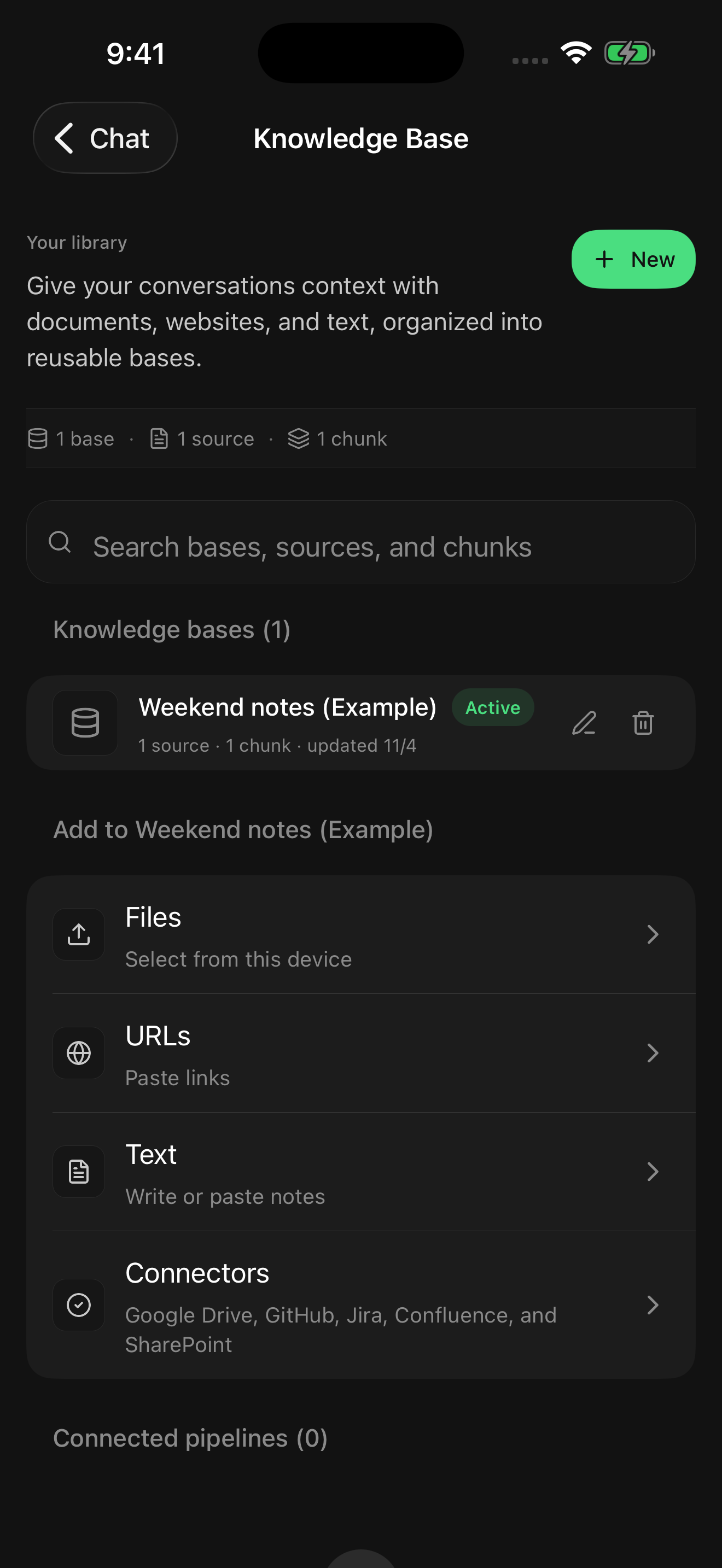
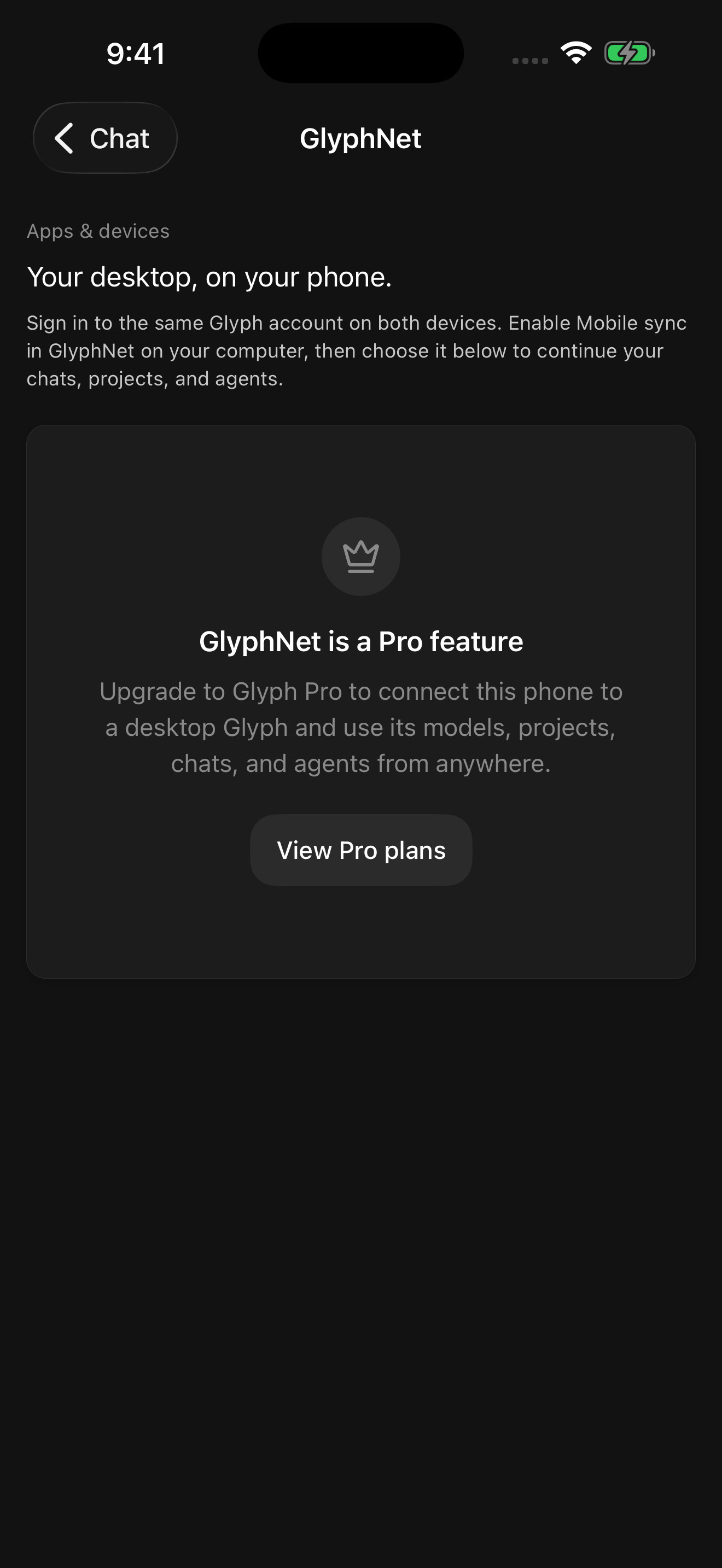
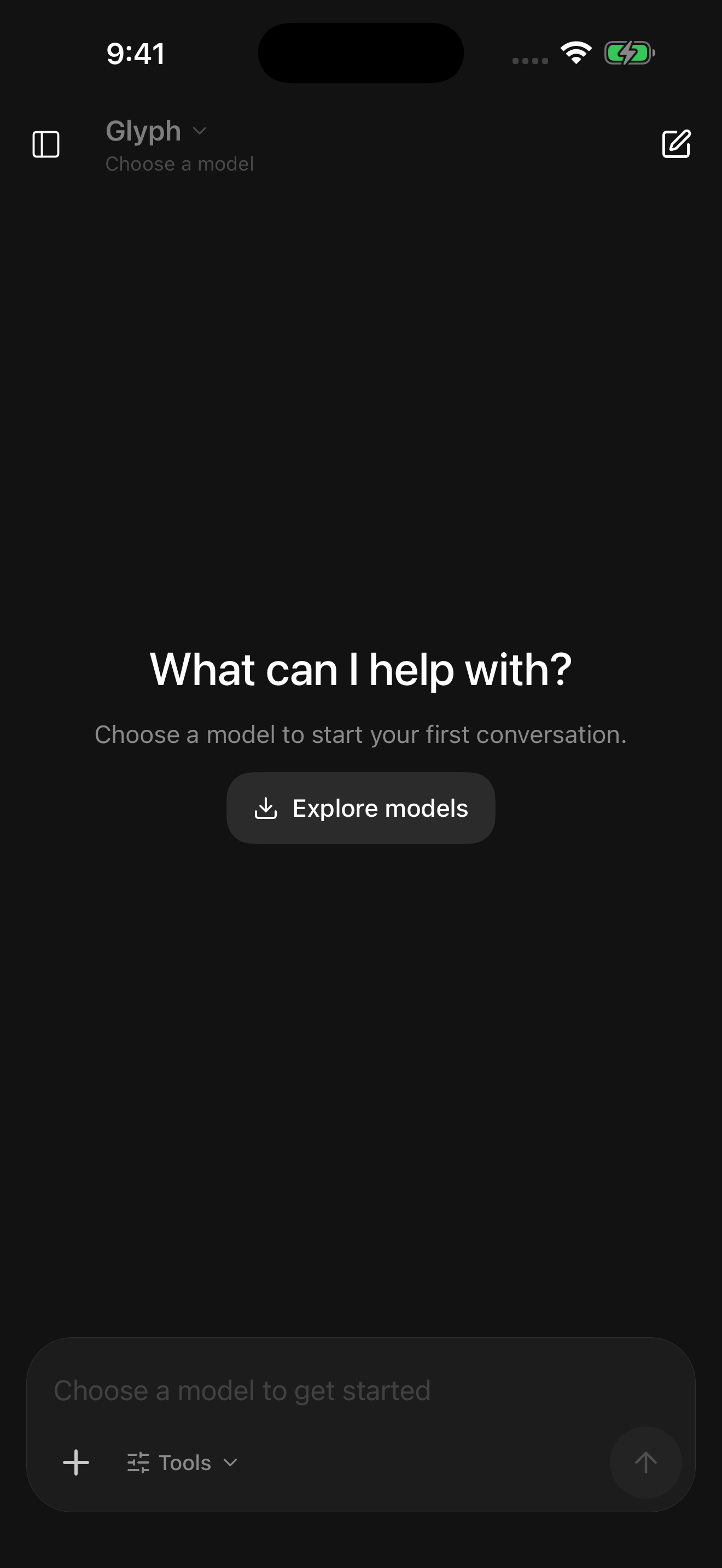
Write, plan, and work through questions with AI on your phone. Download a compatible model for local conversations, organize your project context, or connect to a running Glyph desktop host.